Best Practices for Storing Digital Receipts Safely
Modern Solutions for Receipt Storage
The transition to a paperless environment offers convenience and security. Digital receipts eliminate the clutter of physical boxes. Choose a reliable cloud storage provider for long-term archiving. Encryption protects sensitive information from unauthorized access. Establish a consistent naming convention for every file. Include the date, vendor name, and amount in the filename. This structure makes searching for specific items effortless during the busy season. Use folders categorized by year or expense type. Back up the digital archive to an external hard drive monthly.
Choosing the Right Storage Platform
Selecting a storage platform requires evaluating security features and accessibility. Reputable cloud services offer multi-factor authentication. This feature adds a layer of protection against unauthorized logins. Consider the storage capacity and the ease of sharing files with professionals. Some platforms integrate directly with accounting software. This integration automates the transfer of data and reduces manual entry. Evaluate the cost of the service relative to the features provided. A free tier might suffice for personal use, while professionals often require paid plans for advanced tools.
Implementing a Naming Standard
Consistency is the key to an organized digital archive. A random list of filenames like 'IMG_1234.jpg' makes retrieval impossible. Use a standard format like 'YYYY-MM-DD_Vendor_Amount'. For example, a receipt from a local cafe on November 15 would be named '2026-11-15_CafeName_15.50'. This format ensures that files appear in chronological order when sorted by name. Include keywords in the filename for specific projects or categories. This practice allows for quick filtering during a search. Train all team members to follow the same convention to maintain order.
Security and Encryption Measures
Digital records contain sensitive financial data. Protecting this information is a top priority. Use strong, unique passwords for all storage accounts. Enable encryption for files stored on local devices. Many cloud providers encrypt data both during transit and at rest. Avoid using public Wi-Fi when accessing financial archives. A virtual private network (VPN) provides a secure connection on untrusted networks. Regularly review the list of devices authorized to access the account. Remove any old or unrecognized devices immediately to maintain security.
Automation Tools for Receipt Capture
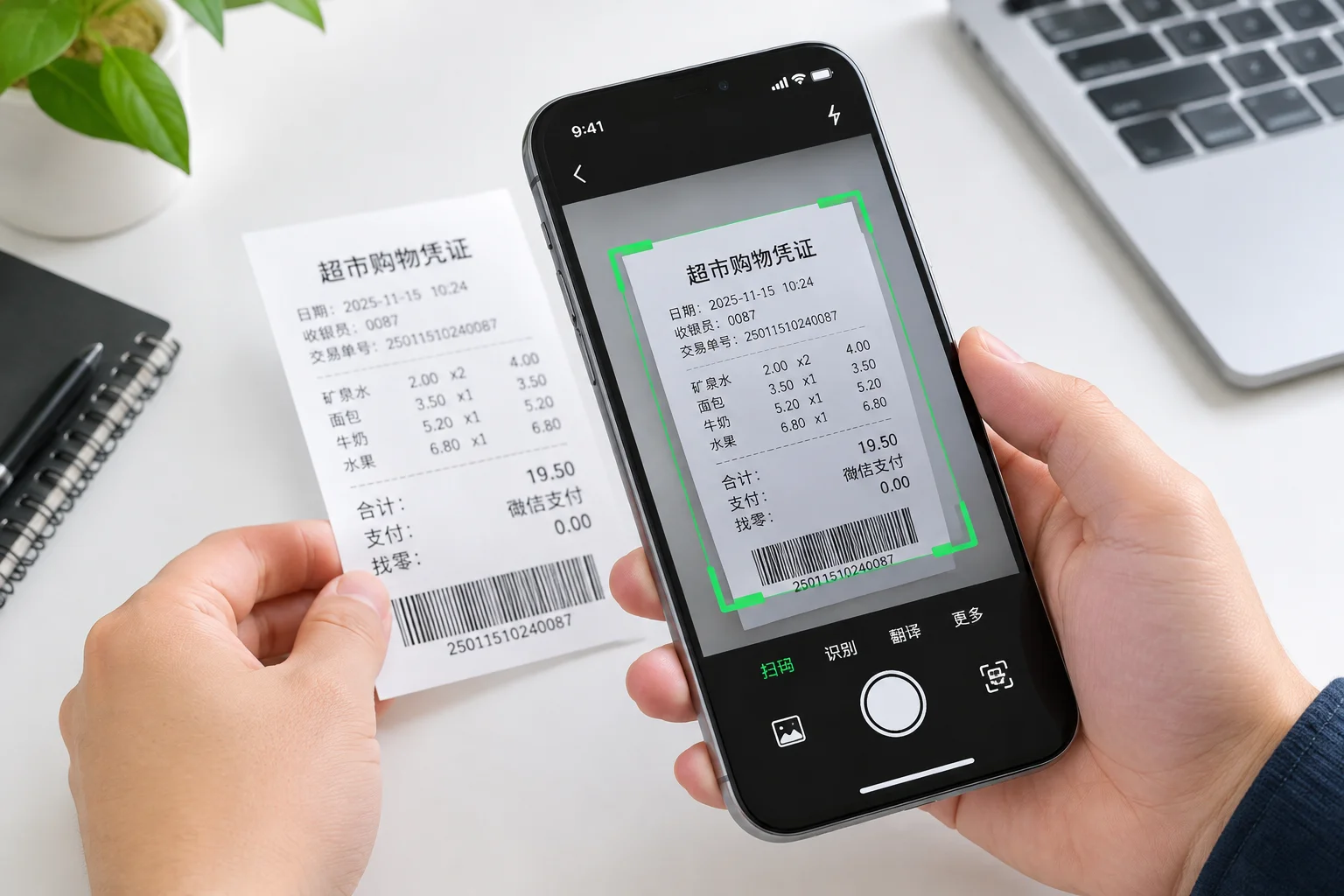
Manual data entry is prone to errors and takes significant time. Automation tools streamline the capture process. Many apps use optical character recognition (OCR) to extract data from images. Simply take a photo of the receipt and the app identifies the date, vendor, and total. Some tools link directly to email accounts to pull digital receipts from the inbox. This automation ensures that no transaction is overlooked. Review the extracted data for accuracy before finalizing the entry. These tools often categorize expenses automatically based on the vendor type.
Redundancy and Backups
Relying on a single storage location is risky. Technical failures or account lockouts can result in data loss. Implement a redundancy strategy. Store the primary archive in the cloud. Create a secondary backup on an external hard drive or a network-attached storage device. Keep the physical backup in a different geographic location if possible. This protects against local disasters like fire or flood. Test the backups periodically to ensure the files remain readable. A solid backup plan provides a safety net for critical financial information.
Legality of Digital Records
Most jurisdictions accept digital versions of receipts for record-keeping purposes. The digital copy must be a true and accurate representation of the original. It must show the vendor, date, amount, and items purchased clearly. Some regions require physical receipts for very large transactions or specific types of expenses. Research the local requirements to ensure compliance. US Tax Forms Helpline recommends keeping physical copies of high-value items for at least one year. Once the digital archive is verified and backed up, the physical clutter can be safely discarded.